What Is Mobile Device Management (MDM)? How It Works
Mobile device management (MDM) lets IT teams enroll, configure, secure, and monitor every smartphone and tablet in a fleet from one console. Here's exactly how it works and what to look for.
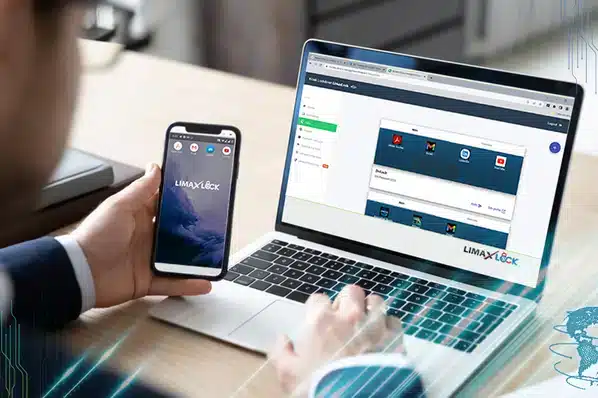
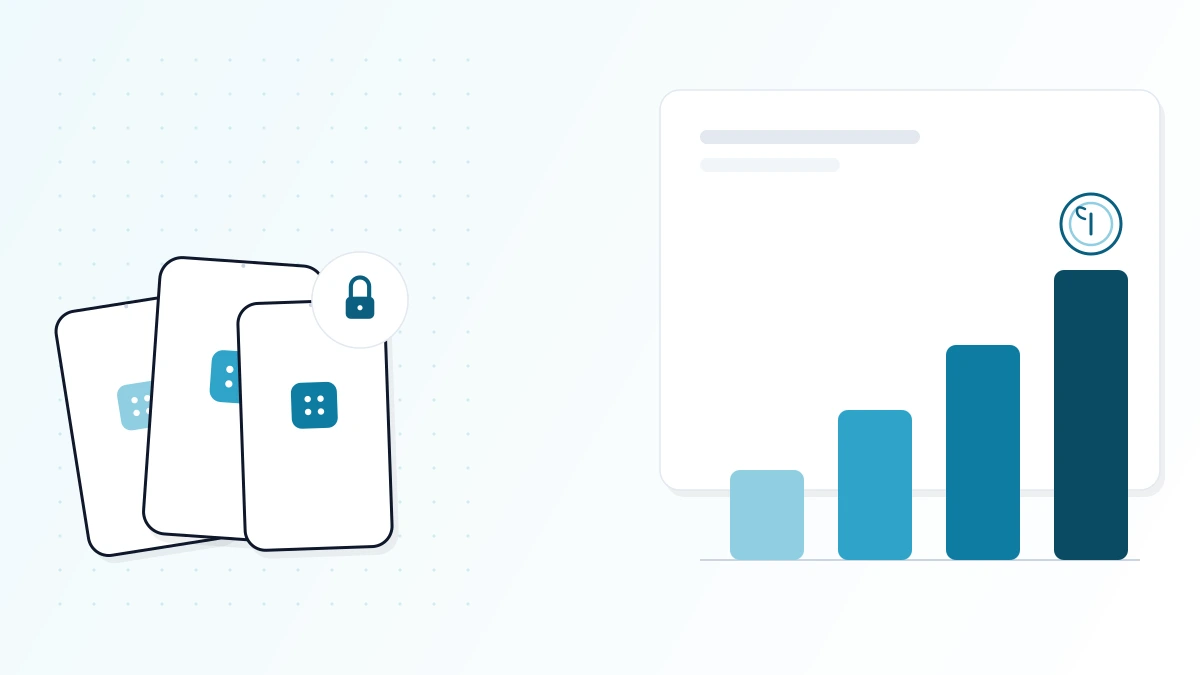
Mobile device management (MDM) is software that lets IT teams enroll, configure, secure, and monitor smartphones and tablets from a single console, instead of setting up every device by hand. An administrator sets policy once — Wi-Fi credentials, password rules, approved apps, restrictions — and an agent on each device applies it automatically, even when that device is offsite.
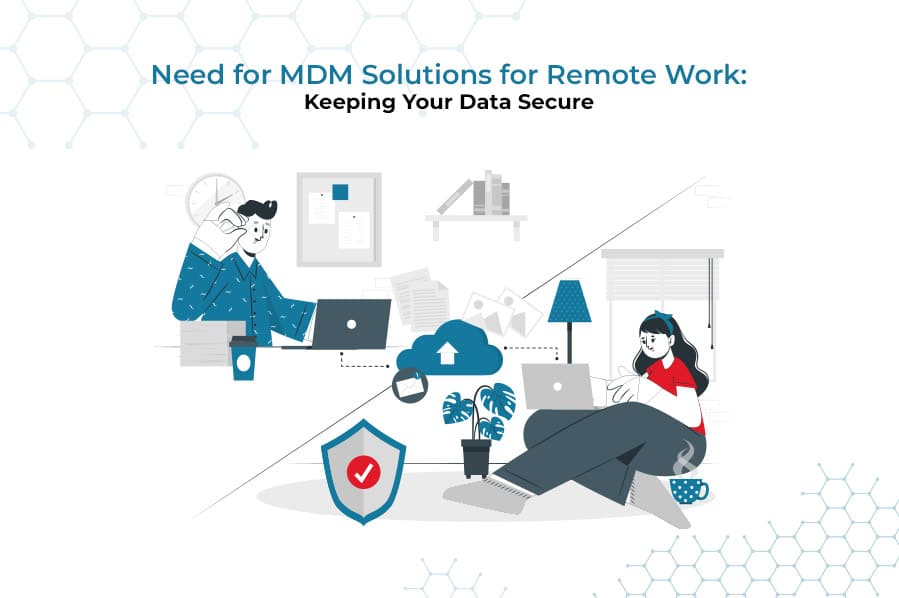
For any organization that hands out, or allows employees to bring, mobile devices for work, MDM is what turns a scattered pile of phones and tablets into a fleet that's enrolled, compliant, and recoverable if something goes wrong.
How Does Mobile Device Management Work?
MDM relies on two moving parts: a management server (or console), which is where an IT administrator writes and updates policy, and an agent that runs on every enrolled device. When an admin changes a setting — say, disabling the camera or adding a new required app — the server pushes that change to every device the policy applies to. The agent receives it and applies it using management APIs built into the device's operating system, typically within minutes and without anyone touching the physical device.
That architecture is what makes MDM different from just configuring each phone manually: policy lives in one place, and every device stays in sync with it automatically.
How a device gets enrolled
A device has to be enrolled before the server can manage it. The common methods are:
- Android Enterprise enrollment — scanning a QR code or NFC tap during device setup, which is the standard for company-owned Android fleets and supports zero-touch provisioning at scale.
- Enterprise app store / agent install — installing the MDM app directly from an enterprise app store or a download link, common for BYOD.
- Zero-touch / bulk enrollment — pre-configuring devices before they ship to end users, so a new phone is enrolled and policy-compliant the moment it's powered on.
- Apple Business Manager / DEP — the equivalent enrollment path on iOS, which has its own, more restricted management framework.
Core Features of an MDM Platform
Device enrollment & provisioning
Bring a new device under management in minutes, with policies applied automatically at first boot.
Policy enforcement
Password rules, encryption, Wi-Fi/VPN configs, and OS restrictions applied and kept in sync across the fleet.
App management
Silently install, update, or remove approved apps; block anything not on the allowed list.
Kiosk / single-app mode
Lock a device to one app or a small approved set — standard for shared, frontline, and public-facing hardware.
Remote lock & wipe
Instantly lock or factory-reset a lost or stolen device before its data becomes a liability.
Location tracking
See where enrolled devices are, useful for recovering lost hardware and auditing field teams.
Compliance reporting
Real-time visibility into which devices are enrolled, up to date, and policy-compliant — and which aren't.
Website / content whitelisting
Restrict browsing to an approved list of sites, usually through a dedicated kiosk browser.
Benefits of Mobile Device Management
- Fewer breach and data-loss incidents, because lost or stolen devices can be locked or wiped remotely.
- Lower IT support load, since policies, apps, and updates are pushed centrally instead of configured device-by-device.
- Faster onboarding — a new hire's device can be provisioned and compliant before their first day.
- Easier compliance reporting for standards like HIPAA, PCI-DSS, or SOC 2 that require proof of device-level controls.
- Less shadow IT, because approved apps and settings are enforced rather than requested.
- Higher field productivity, since devices stay configured and connected without a trip back to IT.
Corporate-Owned vs. BYOD: How MDM Handles Device Ownership
MDM doesn't manage every device the same way — how much control IT has depends on who owns the hardware.
| Corporate-owned | BYOD (work profile) | |
|---|---|---|
| Who owns the device | The organization | The employee |
| IT visibility | Full device | Work profile only |
| Personal data exposure | – | |
| Typical policy strictness | High — full lockdown available | Moderate — scoped to work apps |
| Remote wipe scope | Entire device | Work profile only |
On company-owned hardware, IT can apply full-device policies, including kiosk mode and a complete remote wipe, because the organization owns the device outright. On a personal device enrolled under BYOD, a separate, encrypted work profile keeps managed apps and data apart from personal photos, messages, and accounts — IT can enforce policy and wipe that profile, but never sees or touches anything outside it. For a deeper walkthrough of setting this up, see best practices for implementing a BYOD policy and how BYOD and MDM work together.
MDM vs. EMM vs. UEM: How Are They Different?
The three terms describe increasing scope, not competing categories:
- MDM manages the device: enrollment, policy, lock, wipe.
- EMM (Enterprise Mobility Management) manages the device and the apps and content on it.
- UEM (Unified Endpoint Management) manages mobile devices, desktops, laptops, and increasingly IoT endpoints, all from one console.
Most vendors, including LimaxLock, sell these as capability tiers of a single platform rather than separate products — so in practice, choosing "an MDM" almost always gets you at least basic app management too. For the full breakdown with a feature-by-feature comparison, see MDM vs. EMM vs. UEM: what's the difference. If you specifically need to control which apps run on a device rather than the device as a whole, see our guide to mobile application management.
The Mobile Device Management Life Cycle
Every device under management moves through the same four stages:
- 1
Enroll
The device is registered to the organization via QR/zero-touch enrollment, an enterprise app store, or manual agent install. Enrollment can happen before or after the device reaches the end user.
- 2
Configure & manage
IT deploys policies — network access, approved apps and websites, single- or multi-app kiosk mode, security restrictions — without the end user needing to change a single setting themselves.
- 3
Monitor
Compliance status, location, and app usage are visible in the console in real time, so IT catches policy drift or risk before it becomes an incident.
- 4
Secure & retire
If a device is lost, stolen, or an employee leaves, IT locks or wipes it remotely. Compliance reports from the device's lifetime are retained for audits.
How to Choose an MDM Solution
- Cloud-based deployment, so there's no server hardware to maintain and updates roll out automatically.
- Native Android Enterprise support for OS-level policy enforcement, not just a workaround built on accessibility permissions.
- Kiosk mode — both single-app and multi-app — for any device that's shared, frontline, or public-facing.
- Real-time policy sync, so a change in the console reaches devices in minutes, not on the next check-in cycle.
- Remote lock, wipe, and location tracking as standard, not a paid add-on.
- Compliance and audit reporting that maps to the standards your industry actually requires.
- Transparent, predictable per-device pricing that scales with your fleet.
For a full side-by-side of what to compare, see the best MDM software for securing and managing mobile devices. If server hardware and maintenance overhead are a specific concern, the benefits of cloud-based MDM is worth reading before you shortlist vendors. And once you've narrowed the shortlist, our MDM pricing guide breaks down exactly what drives the per-device number on a real quote.
MDM Across Industries
The core mechanics stay the same everywhere, but what matters most shifts by sector:
- Healthcare — encryption and remote wipe for devices that touch patient data. See securing healthcare data with MDM.
- Financial services — audit trails and compliance reporting for regulated data. See MDM in the financial sector.
- Transportation & logistics — rugged, always-connected devices for drivers and field teams. See MDM for transportation and logistics.
- Education — shared classroom devices locked to approved apps and sites. See how education benefits from MDM.
- Retail — kiosk-mode devices for POS and self-service. See kiosk mode in retail.
How LimaxLock Approaches Mobile Device Management
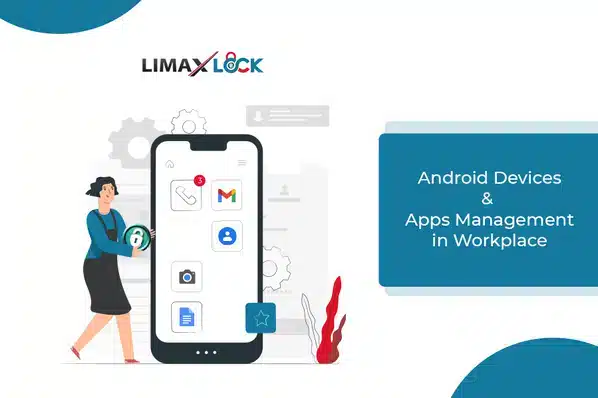
LimaxLock is an Android-focused mobile device management platform built around OS-level control rather than workarounds: policies apply through Android Enterprise APIs, not accessibility permissions that a user (or malware) can disable. That's the same foundation used for kiosk lockdown, an enterprise app store for silent app deployment, and a kiosk browser for whitelisted-only browsing — so device management, app management, and content control live in one console instead of three.
Frequently Asked Questions
No. MDM works on both corporate-owned devices, where IT controls the entire device, and personal devices enrolled in a BYOD program, where a separate work profile keeps business apps and data isolated from personal use without touching photos, messages, or personal accounts.