
Android MDM software that keeps every device on task
Manage company-owned Android phones, tablets, POS, rugged and kiosk devices from one console. Enroll at scale, deploy apps silently and enforce policies remotely.
Free 14-day trialNo credit card required
Google EMM Partner
Trusted by teams running Android devices in the real world











Secure and manage your Android device fleet from one console
Enroll, configure, lock down and monitor your Android fleet - the same dashboard your team uses every day.
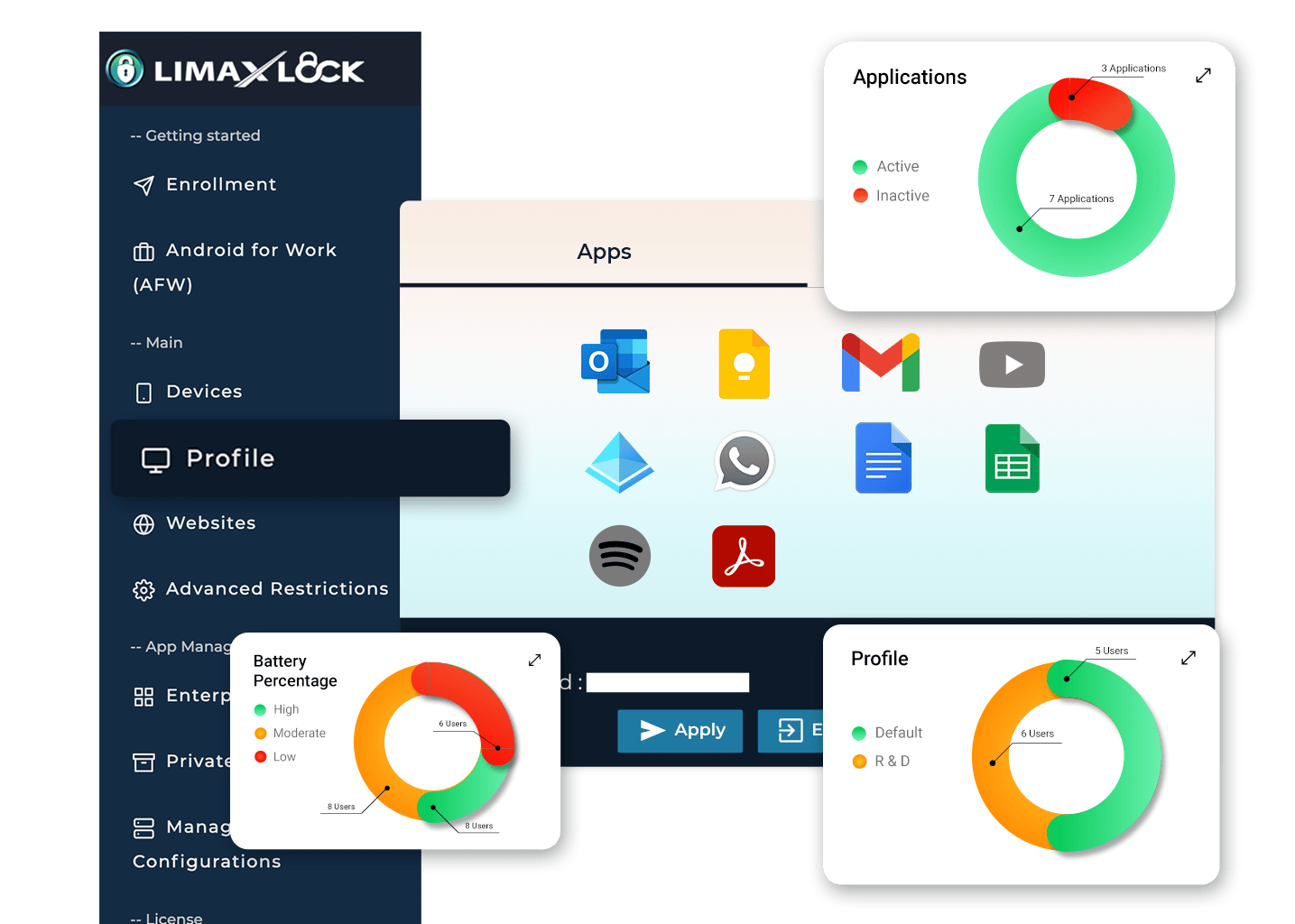
Android device management at a glance
Live device health, profiles, apps and websites - all in one place. Drill into any device without hunting through menus.
- Online, offline and battery at a glance
- App and website profiles per device or group
- Charts for battery, activity and status
Mobile application management that runs silently
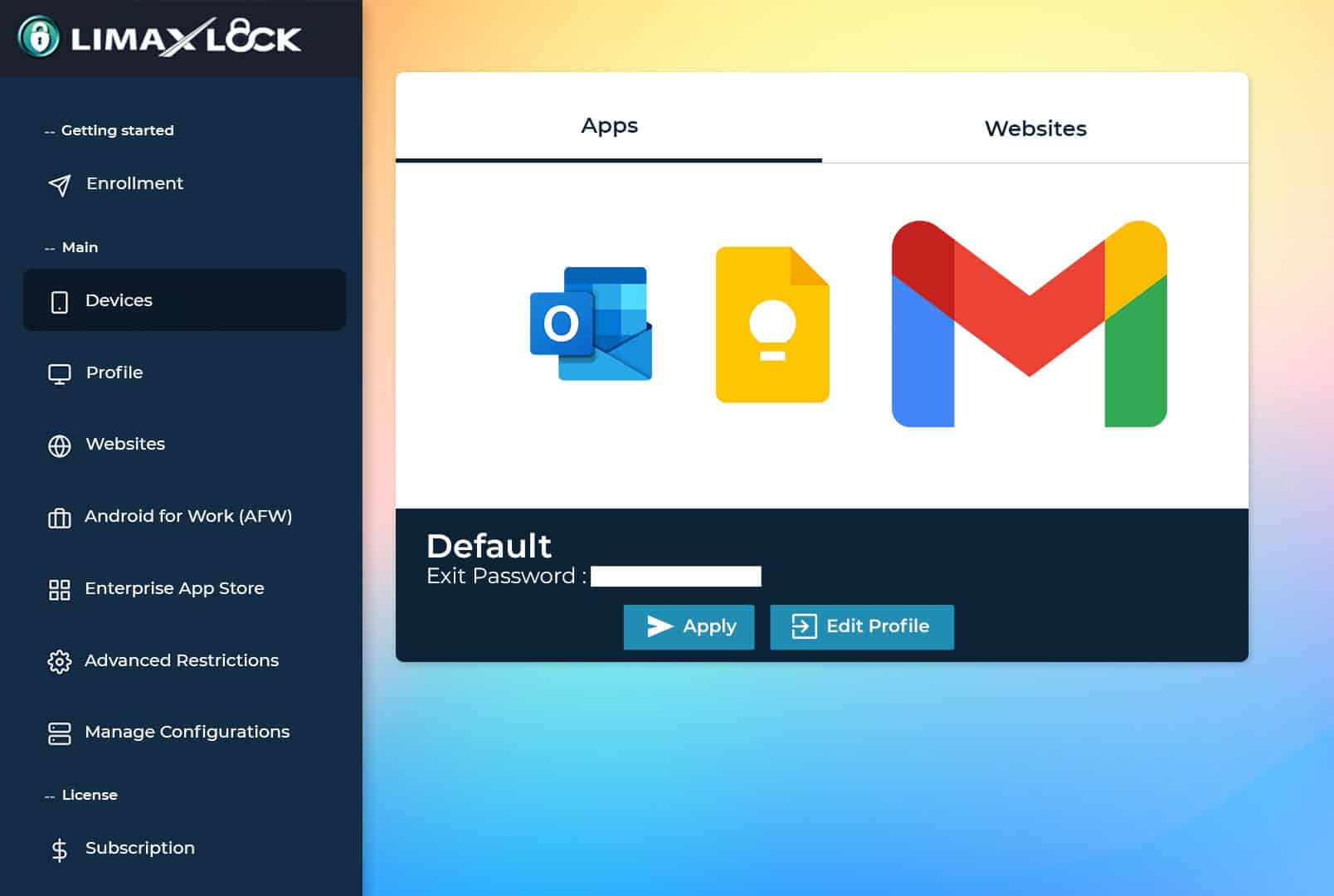
Distribute apps through Managed Google Play or your own APKs. Installs and updates happen in the background - no taps on the device.
- Managed Google Play and private APKs
- Silent install and update across the fleet
- Allow or block any app per profile
Android kiosk management and policy control
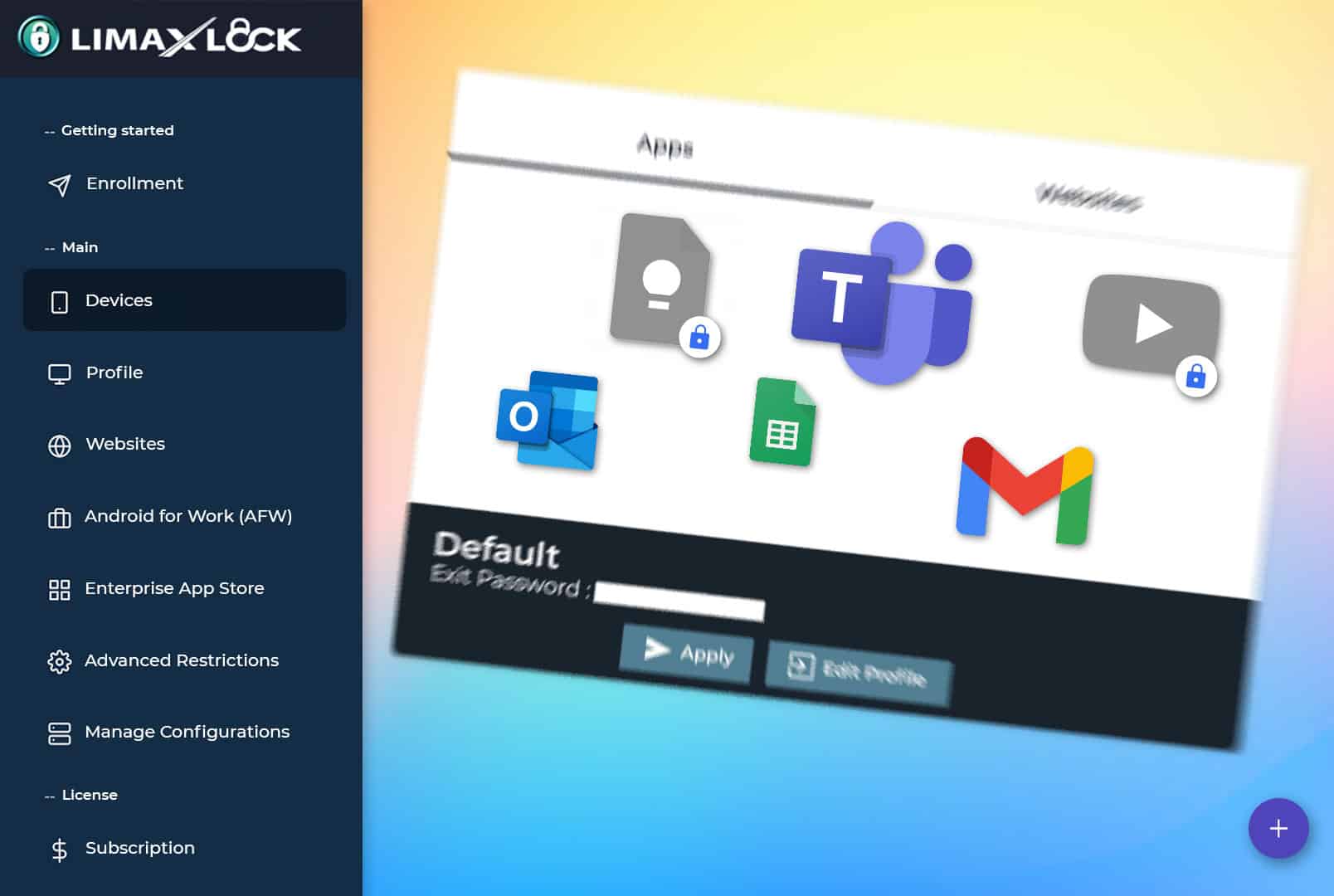
Restrict devices to the apps and settings you approve. Blocked apps stay blocked, and advanced restrictions cover the hardware too.
- Single- and multi-app kiosk lockdown
- Blocked apps flagged and enforced
- Camera, Bluetooth, USB and factory-reset controls
Enroll one Android device, apply a policy and send a real command during the trial.
Trusted for day-to-day device control
“LimaxLock MDM platform has rightfully earned its place in our IT toolkit. We rely on it daily to manage, secure, and support our devices - highly recommend giving it a try.”
The Android controls your team uses every day
Start with the six workflows that keep company-owned devices useful, secure and recoverable. Use the linked solution pages when you need the implementation detail.
Single & multi-app kiosk mode
Lock devices to one app or an approved set. Customers and staff see only what you allow - nothing else.
Explore Android kiosk modeKiosk browser
A locked-down browser limited to the websites on your allowlist - ideal for web-based kiosks and signage.
Explore secure kiosk browserSilent app install & updates
Push apps through Managed Google Play or your own APKs. Installs and updates happen silently, fleet-wide.
Explore app managementRemote device commands
Lock, unlock, wipe, reboot, locate, sound a siren or clear app data - from anywhere, in seconds.
Explore remote device managementDevice profiles
Build a policy once - apps, restrictions, branding - and apply it to any device or group in one click.
Explore Android MDMAlerts & compliance rules
Offline too long, battery low, device rooted, geofence breached - the fleet tells you before users do.
Explore Android device managementFrom box to locked down in four steps
Create your account
Start the free 14-day trial - full product, no credit card required.
Enroll your devices
Scan a QR code, or provision devices at scale with zero-touch or Samsung Knox Mobile Enrollment. For employee-owned devices, use a work profile (BYOD).
Configure profiles
Pick kiosk mode, approved apps, restrictions and branding once - then apply the profile to any device or group.
Remote device management
Monitor health, get alerts, and send commands with delivery receipts - all from one dashboard.
QR code enrollment
Provision a factory-reset phone or tablet as a fully managed Device Owner device.
Zero-touch and Knox
Ship devices to the site and enroll them automatically when they first connect.
Android work profile
Manage work apps and data while personal apps and data remain separate.
Phones, tablets and dedicated hardware
Use one policy model across POS, rugged, kiosk and general-purpose Android devices.
One control plane for every kind of Android fleet
Start from the job each device performs, then apply the enrollment, application, kiosk and monitoring controls that keep that workflow running.
Retail & POS
Lock POS terminals and self-checkout kiosks to your store apps, with nightly reboots and uptime alerts.
Explore POS device managementLogistics & delivery
Track delivery devices, apply depot geofences, and keep approved work apps consistent across every handheld.
Explore rugged device managementEducation
Lock classroom tablets to learning apps, restrict browsing to approved sites, and monitor usage per device.
Explore approved-site browsingHealthcare
Keep shared ward and reception tablets on clinical apps, with device-level security controls and usage visibility.
Explore mobile device managementHospitality & signage
Menus, check-in kiosks and signage screens that recover on their own - scheduled reboots, screen hours, remote fixes.
Explore kiosk mode softwareField services
Company-owned devices for field teams - location tracking, app control and remote commands wherever they work.
Explore Android device managementSecurity controls for managed Android fleets
Give IT teams the device-level enforcement, account protection and audit visibility they need to manage company-owned Android hardware responsibly.
OS-level kiosk enforcement
On fully managed devices, Android’s own lock task mode enforces the kiosk - it holds even if the app is killed.
Factory Reset Protection
A factory reset from recovery doesn’t produce a clean device - it comes back tied to your organization.
Two-factor authentication
The account that can lock and wipe your fleet is protected by more than a password.
Granular admin roles
Owner, admin, helpdesk, viewer - give each teammate exactly the access they need, nothing more.
Full audit trail
Every admin action is logged - who issued it, what it did, which device, and when.
Device security posture
Root detection, OS patch level and encryption status reported per device - drift shows up as an alert.
Prove the workflow on real devices before choosing a plan
Use the 14-day trial to validate enrollment, app deployment, kiosk policies and remote commands on your own Android hardware. No credit card is required.
- 01Try
Enroll a device and apply a real policy.
- 02Prove
Test the workflows your team uses every day.
- 03Scale
Choose the plan that fits your Android fleet.
Common questions, answered
What is Android MDM software?
Android MDM (mobile device management) software lets businesses centrally enroll, configure, secure and monitor Android devices. LimaxLock adds kiosk lockdown on top: besides pushing policies and apps, you can restrict every device to only the apps and websites it needs for work.
Does LimaxLock include kiosk mode?
Yes. Kiosk mode is the MDM capability that restricts an Android device to a single app or a small approved set, so it only performs the task you assign it. LimaxLock offers single-app, multi-app launcher and kiosk-browser modes as part of the wider device-management platform.
Does LimaxLock support zero-touch enrollment?
Yes. Devices purchased through Android zero-touch or Samsung Knox Mobile Enrollment provision themselves out of the box and enroll into LimaxLock automatically - even after a factory reset. QR-code enrollment is available for everything else.
Can LimaxLock install and update apps silently?
Yes. On fully managed devices LimaxLock installs, updates and removes apps silently - through Managed Google Play or your own APK files - with no tap needed on the device.
Does LimaxLock work for Android phones as well as tablets?
Yes. LimaxLock provides MDM for Android phones, tablets and rugged handhelds from the same console - the same profiles, restrictions and remote commands apply whatever the form factor, so a mixed fleet is managed as one.
Does LimaxLock work with Samsung Knox?
Yes. On Samsung devices LimaxLock uses Knox to apply advanced hardware-level restrictions that go beyond standard Android management.
How long is the LimaxLock free trial?
The free trial lasts 14 days with no credit card required. You can enroll real devices and test the full product before you subscribe.
Ready to put every Android device under control?
Enroll a device, lock it down and manage your whole fleet from one console - you can be up and running today.
14-day free trial•No credit card required•Set up in minutes