
Smartphones
Enroll and manage devices remotely.
Secure, monitor and manage your Android devices from anywhere. Lock devices down, manage apps, control access and keep your data safe - all from one dashboard.
Mobile device management is the practice of enrolling, configuring, securing and monitoring devices from one central console - define a policy once, and every device enforces it automatically.
LimaxLock MDM helps IT teams centrally manage, monitor and secure Android smartphones, tablets, rugged devices, kiosks and POS systems throughout their lifecycle.
For Android-specific ownership modes, enrollment methods and fleet controls, explore our Android device management solution. For web-only workflows, the secure kiosk browser limits devices to approved websites and web apps.
Enroll and manage devices remotely.
Deploy apps, apply policies and restrict access.
LimaxLock
Centralized Control
Secure and manage devices used in tough environments.
Lock devices into kiosk mode for dedicated use.
Enforce Policies
Apply security policies and restrictions across all devices.
Deploy & Manage Apps
Push apps and content silently and remotely.
Kiosk Lockdown
Lock devices to a single app or a set of approved apps.
Monitor Remotely
Track device status, location and compliance in real time.
Alerts & Reports
Get instant alerts and detailed reports to stay in control.
One console, one per-device price. Enroll a device, apply a profile, and every control below is already in force - no add-ons, no separate modules to buy.
The real console: device totals, compliance and activity, with every control one click away.
Perfect for retail, education, healthcare, hospitality and field operations.
Dedicate a device to one app, or show a branded launcher with only the apps you approve. On fully managed devices the lockdown is enforced by the operating system itself.
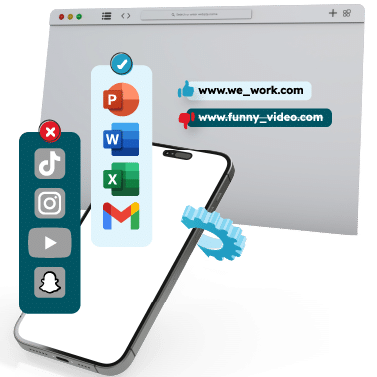

Publish a curated company store, push in-house apps that never hit the public Play Store, and let installs and updates run silently in the background. Approve exactly what may launch - everything else is refused and logged.
Close the gaps users find - access, connectivity, peripherals and policy - without touching a device.
Disable the actions that break a locked-down device - extra users, task manager, the power menu and factory reset - so it stays on the job you set.
Stop users changing network settings. Wi-Fi, hotspot, VPN, Bluetooth, USB transfer and airplane mode are all enforced remotely.

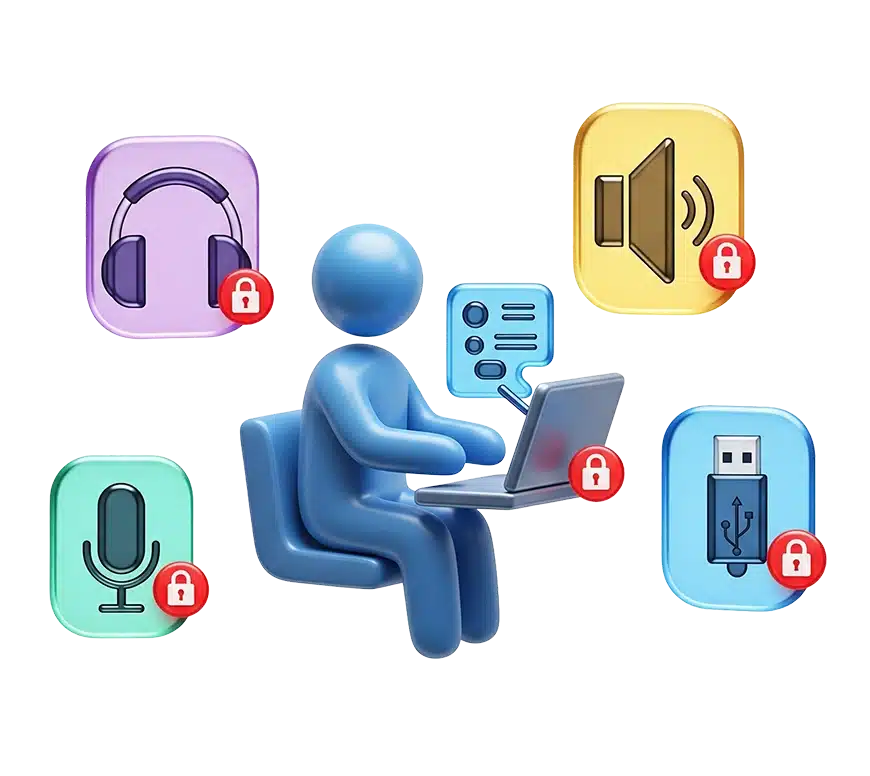
Control physical hardware access - headphones, microphone and audio output - for exam halls, workplaces and public-facing kiosks.
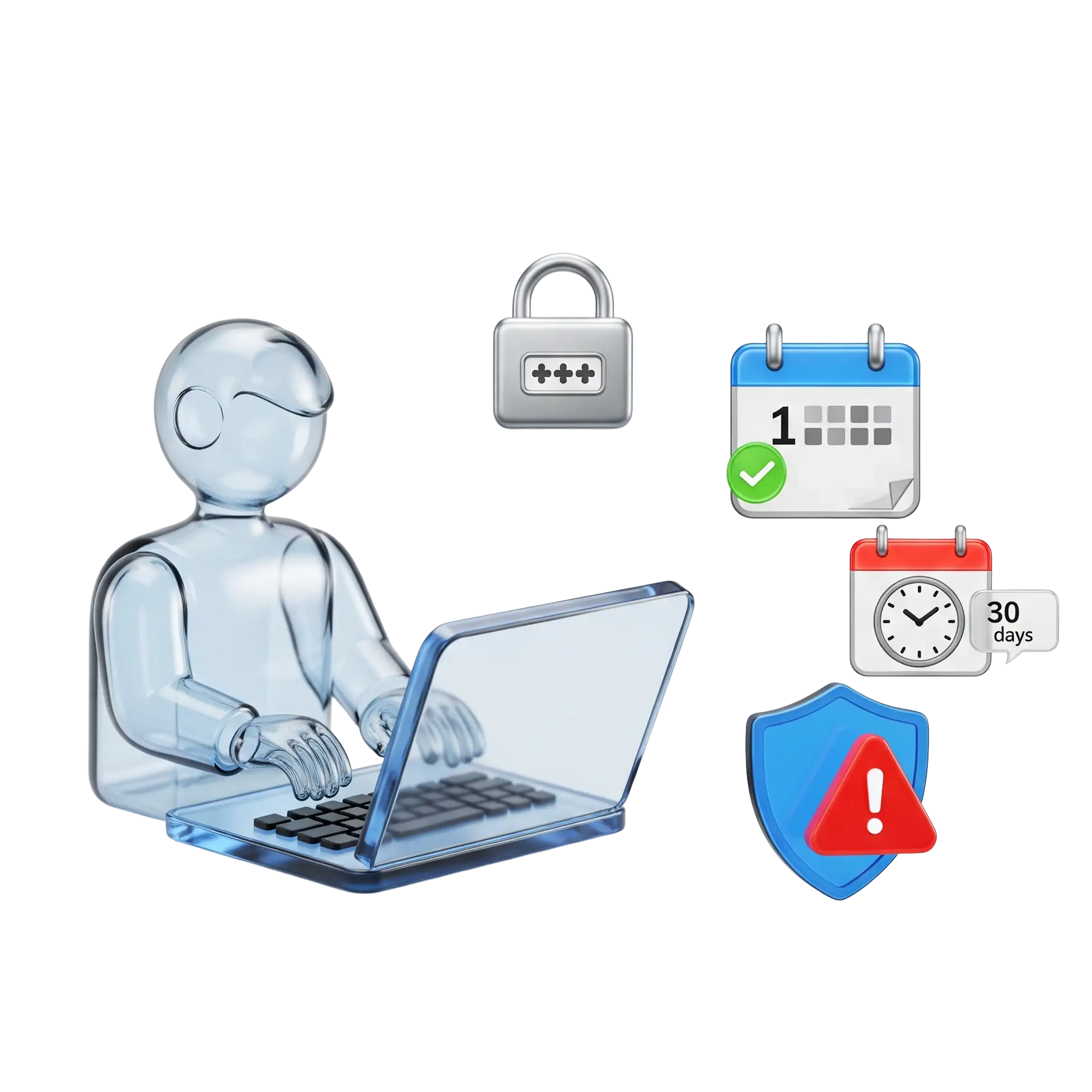
Set password rules, enforce regular changes and lock non-compliant devices. Delay system updates up to 30 days to avoid surprise changes.
However your devices arrive, there is a provisioning path that fits.
Factory-reset, tap the setup screen and scan. The device provisions itself in under a minute.
Ship devices straight to site. They enroll on first boot, and again after any factory reset.
Manage a work profile on employee-owned devices. Personal apps and data stay private.
Wherever Android hardware does one job, LimaxLock keeps it on task - shaped to how each sector runs its fleet.
Lock POS terminals and self-checkout kiosks to your store apps, with uptime alerts.
Track scanners and handhelds across depots, delivery vans and the warehouse floor.
Keep classroom tablets on learning apps, with browsing locked to approved sites.
Keep shared ward and reception devices on clinical apps, with usage visibility.
Company-owned devices for field teams - location, app control and remote commands.
Vehicle-mounted Android devices, tracked and locked to the route or dispatch app.
Device Owner, Samsung Knox, Android Enterprise and work profiles - supported as deeply as the platform allows, because Android is all we do.
Scan a QR code and the device provisions itself. A pilot fits in an afternoon, not a project plan.
OS-enforced single- and multi-app kiosk is built in - not a paid add-on or a separate module.
Simple per-device pricing that stays sensible from five devices to five hundred.
LimaxLock MDM platform has rightfully earned its place in our IT toolkit. We rely on it daily to manage, secure, and support our devices - highly recommend giving it a try.
Four steps take a device from box to fully managed - the same loop behind every MDM deployment.
Add each Android device by QR code, zero-touch or work profile - it comes up already managed.
Set the approved apps, restrictions, kiosk mode and security rules once, as a reusable profile.
Every enrolled device pulls its profile over the air and enforces it automatically - no hands on the hardware.
Watch compliance, get alerts and send remote commands - lock, wipe, update - from the console.
Mobile device management (MDM) software lets a business centrally enroll, configure, secure and monitor its mobile devices. Instead of setting up each Android device by hand, IT applies policies - allowed apps, restrictions, kiosk mode, security rules - from one console, and every enrolled device enforces them automatically.
No. LimaxLock is built exclusively for Android. That focus is deliberate: it lets us support Android Device Owner mode, Android Enterprise, Samsung Knox and work profiles as deeply as the platform allows, rather than spreading across operating systems.
Three ways: scan a QR code during device setup, provision automatically at scale with Android zero-touch or Samsung Knox Mobile Enrollment, or add a work profile to employee-owned (BYOD) devices. Zero-touch devices re-enroll themselves even after a factory reset.
Yes. Single-app kiosk mode boots the device straight into one app; multi-app mode shows a branded launcher with only the apps you approve. On fully managed devices the lockdown is enforced by Android itself, and exiting requires an admin password or a one-time exit code.
Yes. From the dashboard you can instantly lock the device, wipe corporate data or the whole device, sound a siren, locate it on a map and keep Factory Reset Protection active so the hardware stays tied to your organization.
Yes. Factory Reset Protection keeps a device bound to your organization even after a hostile wipe - the device comes back enrolled instead of becoming free hardware.
MDM manages the whole device - enrollment, policies, restrictions, kiosk mode and security. Mobile application management (MAM) is the app-lifecycle layer inside it: installing, updating, approving and blocking apps. LimaxLock includes both in one product.
LimaxLock uses simple per-device pricing, and every plan starts with a 14-day free trial with no credit card required. You can enroll real devices and test the full product before you subscribe.
Full access to every feature. No credit card required, cancel anytime.
14-day free trial•No credit card required•Set up in minutes