MDM for Transportation & Logistics Companies
Drivers and field crews depend on phones and rugged handhelds for routing, tracking, and proof of delivery. Here's what MDM actually needs to handle in transportation and logistics.
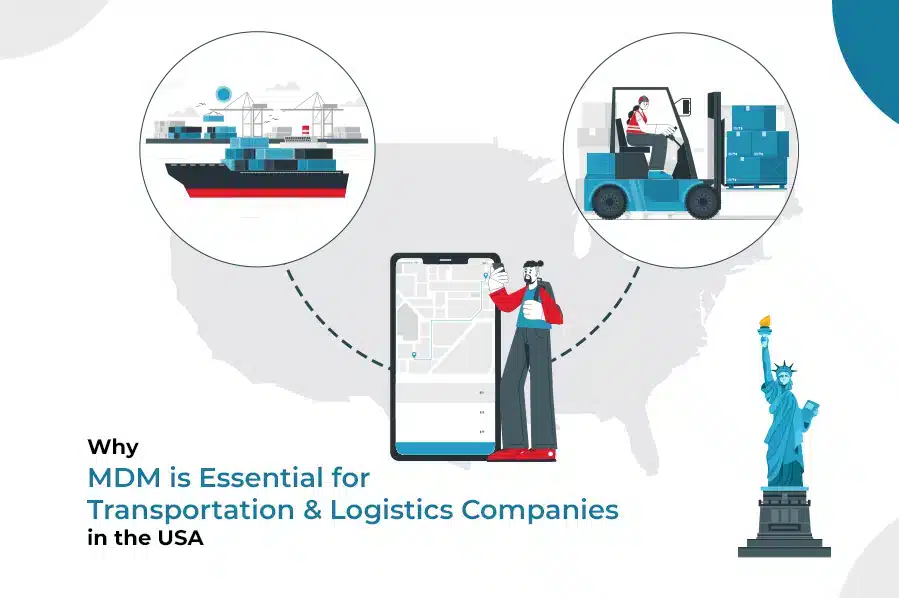
Transportation and logistics runs on devices that never sit still: driver handhelds for routing and proof of delivery, vehicle-mounted tablets, warehouse scanners. Unlike an office fleet, these devices are constantly out of IT's physical reach, frequently swapped between drivers, and exposed to drops, weather, and long hours of continuous use — which makes centralized, remote management a requirement rather than a convenience.
What Transportation & Logistics Devices Actually Need
Kiosk-locked driver apps
Devices locked to routing, communication, and proof-of-delivery apps only — nothing else installable or reachable.
Zero-touch enrollment
A device ships pre-configured and compliant from day one, critical for high driver turnover and seasonal hiring.
Remote troubleshooting
IT can push fixes, updates, and configuration changes without a truck coming off the road to visit a depot.
Location visibility
Corporate-owned devices can be tracked for recovery and fleet oversight, scoped appropriately under company policy.
Remote lock & wipe
A device left in a cab or lost at a delivery stop can be secured before the data on it becomes a liability.
Offline resilience
Policy already applied to the device holds even when connectivity drops in transit, syncing back once reconnected.
Compliance and Audit Trail
Transportation companies answer to a mix of DOT, insurance, and customer-contract requirements around driver device usage, data handling, and incident response. An MDM console's compliance log — which devices are enrolled, policy-compliant, and up to date — is the evidence base for those reviews, in the same way it supports audits in financial services or healthcare.
Rugged Hardware vs. MDM Policy: You Need Both
A ruggedized device survives drops and weather; it does nothing to stop a driver from side-loading an app, browsing unrelated sites on company data, or a lost device exposing route and customer data. MDM policy and rugged hardware solve different halves of the same problem — see what rugged device management covers for the hardware-management side specifically, and what is kiosk lockdown for how single- or multi-app locking works in practice.
Scaling as the Fleet Grows
- Zero-touch, bulk enrollment for onboarding devices in batches, not one at a time.
- Kiosk mode as the default for driver-facing devices, reducing support calls and misuse.
- Remote de-enrollment and wipe for seasonal or contract drivers rotating out quickly.
- Real-time compliance dashboards so a fleet manager sees non-compliant devices before they become an incident.
For the day-to-day monitoring practices behind these controls, see how to monitor and secure employee mobile devices.
LimaxLock for Transportation & Logistics
LimaxLock supports zero-touch enrollment for onboarding driver devices at scale, multi-app kiosk mode for locking a handheld to exactly the routing and delivery apps a role needs, and remote lock, wipe, and location tracking for devices that are, by the nature of the job, rarely within arm's reach of IT.
Frequently Asked Questions
Usually yes, in multi-app kiosk mode: locked to routing, communication, and proof-of-delivery apps, with everything else — games, social media, unrelated browsing — blocked. It reduces distraction, support calls, and data overage, without limiting the tools the job actually needs.