How to Monitor and Secure Employee Mobile Devices
Enrolling a device in MDM is day one. Here's what ongoing monitoring, management, and security actually look like — what to check, how often, and what to do when something drifts out of compliance.
Enrolling a device in MDM is the easy part. What actually keeps a fleet secure is what happens after — the ongoing monitoring that catches drift before it becomes an incident, and the management actions that fix it when it does. Here's what that looks like in practice.
What to Monitor
Compliance status
Whether each device still meets required policy — encryption, passcode, OS version — in real time, not just at enrollment.
App inventory
What's installed on each device, flagging anything outside the approved list.
Location (where enabled)
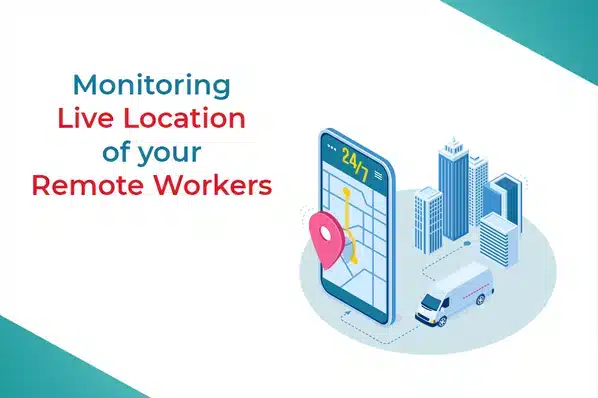
For corporate-owned or field devices, useful for recovery and fleet oversight under clearly disclosed policy.
Jailbreak/root detection
Alerts when a device's built-in security restrictions have been bypassed — a signal that other policies may no longer be enforceable.
Connectivity and check-in status
Devices that haven't checked in recently may be offline, lost, or tampered with — worth a specific look.
Ongoing Management Tasks
- Push OS and app updates on a defined schedule, not ad hoc.
- Review and re-issue passcode/encryption policy periodically, especially after any platform update.
- Audit the app whitelist regularly — remove access no longer needed rather than letting it accumulate.
- De-enroll and wipe devices promptly when an employee leaves or a device is replaced.
- Investigate any jailbreak/root alert immediately rather than queuing it with routine tasks.
Responding When Something Drifts
Not every alert needs the same response. A device that's briefly offline or has a pending update is routine — worth tracking, not worth an emergency response. A lost-device report, a jailbreak alert, or a device suddenly and unexplainably out of compliance needs immediate action: lock first, investigate, and wipe if recovery looks unlikely. See remotely managing a lost or stolen device for that specific process in detail.
Building This Into a Routine
Ad hoc device management doesn't scale past a handful of devices. A workable routine typically includes: real-time dashboard monitoring (continuous), a defined update/patch schedule (weekly or biweekly), a compliance and app-whitelist audit (monthly), and a full strategy review (at least annually) — see updating your mobile device management strategy for what that broader review should cover. For the fundamentals of how MDM enforces the policies being monitored here, see what is mobile device management.
LimaxLock for Ongoing Device Security
LimaxLock's console gives IT real-time compliance status, app inventory, and location visibility across the fleet, with immediate remote lock/wipe and jailbreak/root alerts — so monitoring surfaces the problem and management fixes it, from the same dashboard.
Frequently Asked Questions
Real-time monitoring should flag non-compliant devices continuously through the console, but a deliberate review — checking for outdated policy, unused enrollments, or drift you might have missed — is worth doing on a set cadence, monthly for most organizations.