MDM for Financial Services: Compliance & Data Protection
Financial institutions handle regulated data on mobile devices constantly. Here's how MDM supports GLBA, SOX, and PCI-DSS compliance and closes the specific gaps mobile access creates.
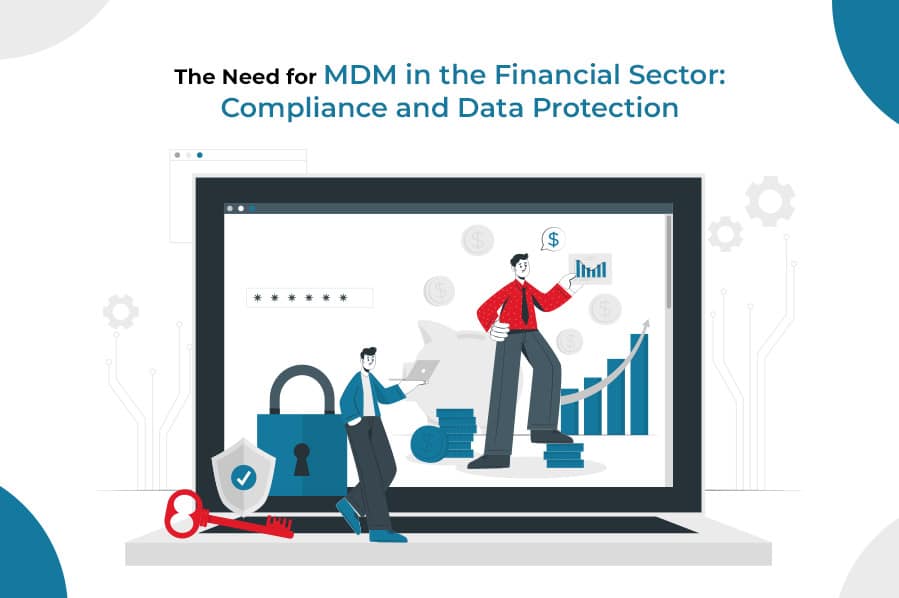
Financial institutions run on regulated data — account numbers, transaction records, client PII — and a growing share of it is now accessed from phones and tablets, not just desks inside a controlled office. That shift is exactly what mobile device management exists to secure: GLBA's Safeguards Rule, PCI-DSS, and SOX all expect access control, encryption, and auditable controls wherever regulated data is accessed, and a mobile device is no exception.
Which Regulations Actually Touch Mobile Devices
| What it requires on a device | |
|---|---|
| GLBA Safeguards Rule | Access controls and encryption for customer financial information |
| PCI-DSS | Controls anywhere cardholder data is accessed, transmitted, or stored |
| SOX | Reliable, auditable controls over systems tied to financial reporting |
None of these regulations name "mobile device management" as a line item — they describe outcomes (access control, encryption, auditability) that MDM happens to be the practical way to deliver on a phone or tablet.
Where Mobile Devices Create Risk in Financial Services
- Cached and cloud-synced data — email, document, and CRM apps often cache regulated data locally, which is exposed the moment a device is lost.
- Advisor and banker BYOD — client-facing staff frequently use personal phones for calls, email, and scheduling, mixing regulated data with an unmanaged device.
- Branch and field devices — tablets used for account opening or in-person service carry the same data exposure as a branch workstation, with none of the physical security.
- Third-party apps — an unmanaged device has no barrier stopping regulated data from being shared into an unapproved app.
How MDM Supports Compliance and Data Protection
- Enforces encryption and passcode policy on every enrolled device, closing the most common breach scenario — a lost, unencrypted device.
- Provides remote lock and wipe, so a missing device can be neutralized before its cached data is accessed.
- Produces a continuous compliance and audit log — enrollment status, policy adherence, and remote actions — for examiner and auditor review.
- Enforces app whitelisting, preventing regulated data from being shared into unapproved or personal apps.
- Supports BYOD through a separate work profile, so advisor-owned devices can be secured without full device access.
For the underlying mechanics of how these controls are enforced, see what is mobile device management. For monitoring practices that support ongoing compliance rather than a one-time setup, see how to monitor and secure employee mobile devices, and for evaluation criteria specific to choosing a platform, see the best MDM software for securing mobile devices.
LimaxLock for Financial Services
LimaxLock enforces encryption and access-control policy at the Android OS level, gives administrators remote lock and wipe with a real-time compliance log, and supports BYOD through an isolated work profile for client-facing staff using personal devices. That combination is what turns "we have a mobile security policy" into an evidence trail an examiner can actually verify.
Frequently Asked Questions
No US regulation names "MDM" specifically, but GLBA's Safeguards Rule requires access controls and encryption for customer financial data, PCI-DSS requires controls anywhere cardholder data is accessed or stored, and SOX requires reliable controls and audit trails over financial reporting systems. MDM is the practical way to implement all three on a mobile device — it isn't a named checkbox, but the underlying controls it enforces are.