MDM for Healthcare: Securing Patient Data on Mobile Devices
Clinicians carry smartphones and tablets that touch patient data constantly. Here's how mobile device management maps to HIPAA's technical safeguards and closes the specific risks mobile devices create.
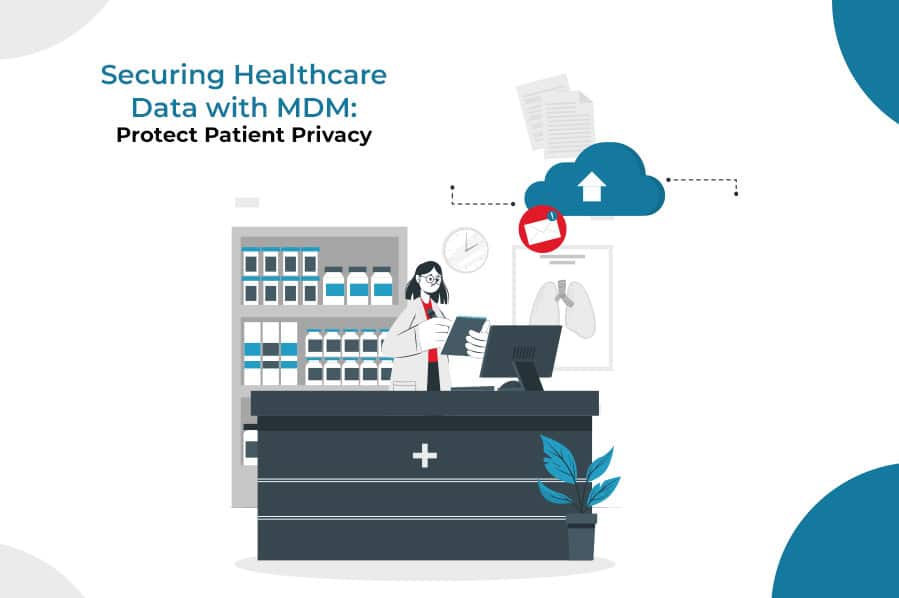
Clinicians and staff now carry smartphones and tablets into exam rooms, nursing stations, and patients' homes constantly — checking records, messaging colleagues, running telehealth calls. Every one of those devices is a potential point of exposure for protected health information (PHI), and HIPAA's Security Rule specifically requires technical safeguards for exactly this kind of endpoint. Mobile device management (MDM) is how healthcare IT teams actually implement those safeguards at the device level, rather than relying on staff discipline alone.
Why Healthcare Devices Are a Specific Risk
Healthcare has a mobile-device risk profile that looks different from a typical office fleet:
- PHI is high-value and heavily regulated — a single record can trigger breach-notification obligations that a generic data leak wouldn't.
- Devices move constantly between departments, buildings, and sometimes patients' homes, increasing loss and theft exposure.
- Shift-based, shared devices are common — a tablet used by whichever nurse is on shift, with no single "owner" to hold accountable for its state.
- Clinical staff use personal phones for messaging and scheduling, creating a BYOD surface most administrative fleets don't have to the same degree.
How MDM Maps to HIPAA's Technical Safeguards
| How MDM satisfies it | |
|---|---|
| Access control | Device passcode, biometric, or PIN policy enforced fleet-wide |
| Audit controls | Real-time device and app usage logging in the MDM console |
| Integrity controls | App whitelisting preventing unauthorized or tampered apps |
| Transmission security | Enforced VPN and encrypted connections for any device accessing PHI |
| Device and media controls | Remote lock/wipe and encryption for lost or decommissioned devices |
(The safeguard categories above come directly from the HIPAA Security Rule's technical safeguards standard.)
What an MDM Setup Looks Like in a Healthcare Environment
- 1
Enroll every device that touches PHI
Corporate-owned tablets and phones enrolled fully; clinician personal devices enrolled through a BYOD work profile that isolates clinical apps from personal use.
- 2
Enforce encryption and access policy
Full-disk encryption and a mandatory passcode/biometric policy applied automatically at enrollment, with no way for a user to disable it.
- 3
Whitelist clinical apps only
Shared devices locked to the specific EHR, messaging, or monitoring apps a role requires — nothing else installable.
- 4
Monitor continuously
Compliance status and app usage visible in real time, so a non-compliant device (jailbroken, outdated, missing encryption) is caught before it's used with PHI.
- 5
Lock or wipe on loss
A lost or stolen device is remotely locked or wiped the moment it's reported, and the incident is logged for the compliance record.
Beyond Software: What MDM Doesn't Cover
- Staff training on PHI handling and mobile-device policy — a technical safeguard doesn't replace this.
- Business associate agreements with any vendor whose software touches PHI, including the MDM vendor itself.
- Physical safeguards for facilities and hardware storage.
- Formal, periodic risk assessments — required by HIPAA independent of any specific tool.
For device-level monitoring practices that apply well beyond healthcare, see how to monitor and secure employee mobile devices; for the lost-device response process specifically, see remotely managing a lost or stolen work device. For the broader mechanics of how MDM works, start with what is mobile device management.
LimaxLock for Healthcare Device Security
LimaxLock enforces encryption, passcode policy, and app whitelisting at the Android OS level, and gives administrators remote lock and wipe with a real-time audit log of device and app activity — the device-level controls a HIPAA technical-safeguards review will ask about. Shared clinical tablets can run in kiosk mode, locked to only the apps a role needs, while clinician-owned phones can be enrolled through a BYOD work profile that never touches personal data.
Frequently Asked Questions
No. MDM addresses the technical safeguards HIPAA's Security Rule requires for devices that access ePHI — encryption, access control, audit logging, remote wipe — but HIPAA compliance also requires administrative and physical safeguards, staff training, business associate agreements, and risk assessments that sit outside any single software tool.