MDM for Remote Work: Keeping Company Data Secure
Remote employees access company data over home and public networks, from devices IT rarely sees in person. Here's what MDM needs to cover for a distributed workforce.
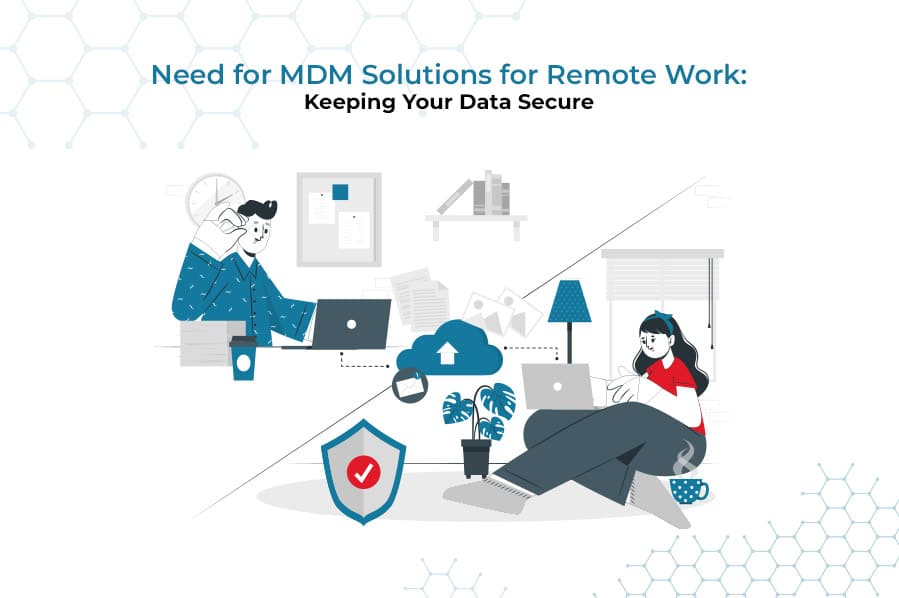
Remote work removed the one security layer an office always provided for free: a controlled network and physical space. A remote employee's phone or tablet connects to company data from home Wi-Fi, coffee shops, and cellular networks IT has no visibility into, often mixed with personal use on the same device. Mobile device management is how IT re-establishes control over that device without requiring everyone back in one building.
What Changes When Work Goes Remote
| Office-based | Remote | |
|---|---|---|
| Network | Controlled corporate network | Home Wi-Fi, public networks, cellular |
| Physical oversight | Devices visible, IT nearby | Devices never seen in person |
| Onboarding | IT configures device directly | Device must arrive pre-configured or self-enroll |
| BYOD prevalence | Lower | Higher — personal devices used more by default |
What MDM Needs to Cover for a Remote Workforce
- Enforced VPN or encrypted connections for any app accessing company data, regardless of network.
- Zero-touch or self-service enrollment, since IT can't hand-configure a device that's never in the office.
- A BYOD work profile for employees using personal devices, isolating company data without touching personal use.
- Remote lock and wipe for devices that are lost, stolen, or simply never returned after someone leaves.
- Real-time compliance monitoring, since a non-compliant device can't be caught by walking past a desk.
Enrolling a Remote Employee's Device
- 1
Ship or approve the device
A corporate device is pre-configured before shipping (zero-touch), or a personal device is approved for BYOD enrollment.
- 2
Self-service enrollment
The employee completes enrollment themselves — scanning a QR code or installing the management app — with no IT visit required.
- 3
Policy applies automatically
VPN, encryption, password policy, and app restrictions apply the moment enrollment completes, before the device touches company data.
- 4
Ongoing compliance monitoring
The device's status stays visible in the console for as long as the employee is remote, flagging drift the moment it happens.
For the broader planning process behind a remote-ready device strategy, see updating your mobile device management strategy. For the specific BYOD boundary between corporate and personal data, see best practices for implementing a BYOD policy, and for the day-to-day monitoring routine once devices are enrolled, see how to monitor and secure employee mobile devices.
LimaxLock for Remote Teams
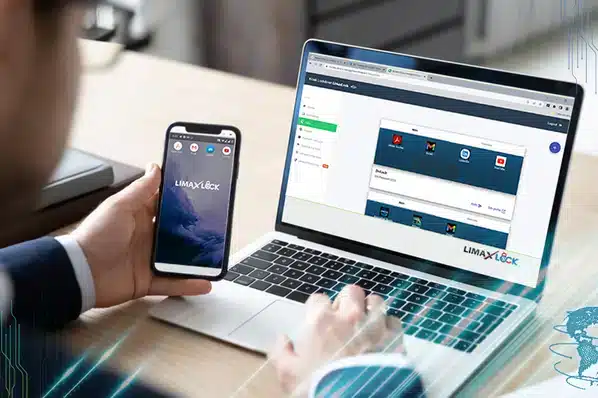
LimaxLock supports zero-touch enrollment so a remote hire's device arrives ready to use without an IT visit, enforces VPN and encryption policy regardless of network, and offers a BYOD work profile that secures company apps and data on a personal device without ever touching what's outside it.
Frequently Asked Questions
MDM in the traditional sense targets mobile devices specifically; laptop fleets are usually covered by endpoint management or UEM instead. Most remote teams end up needing both once phones and tablets — for email, authentication apps, or field work — enter the picture alongside laptops.