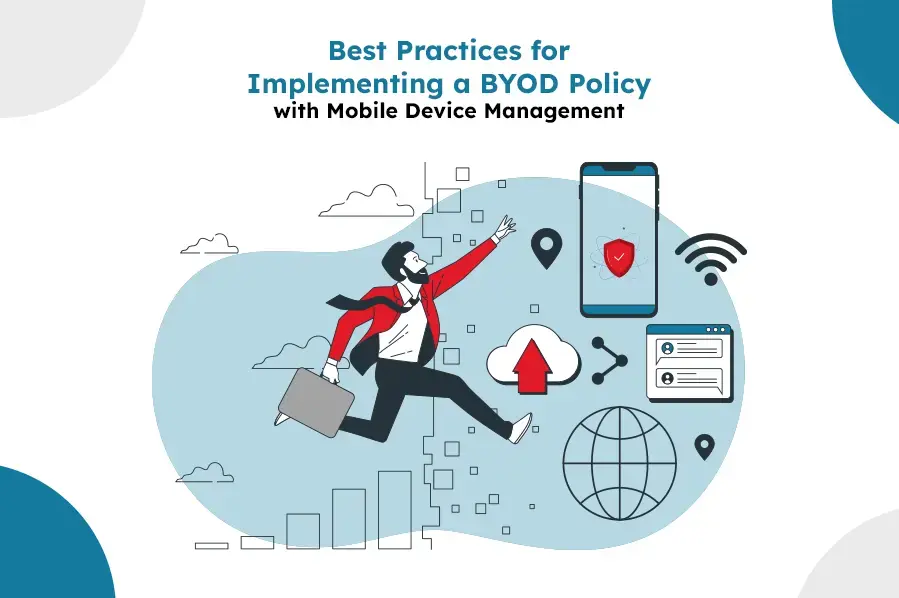
Best Practices for Implementing a BYOD Policy with Mobile Device Management
A BYOD policy without MDM behind it is just a hope. Here are the 8 practices — from clear device eligibility to incident response — that make Bring Your Own Device actually secure.
Bring Your Own Device (BYOD) lets employees work from a device they already know, cutting hardware costs and boosting flexibility. It also hands corporate data to hardware IT doesn't own or fully control — which is exactly the gap mobile device management is built to close. The eight practices below are what actually make a BYOD policy hold up, not just look good on paper.
1. Define Clear BYOD Policies
The foundation of a successful BYOD program lies in establishing clear and comprehensive policies. Outline what devices are permitted, what types of data can be accessed, and what security measures must be followed. Ensure that these policies are communicated effectively to all employees.
Key Components of BYOD Policies:
- Device Eligibility: Specify which devices and operating systems are supported.
- Security Requirements: Define mandatory security features such as password protection, encryption, and anti-virus software.
- Usage Guidelines: Outline acceptable use, including restrictions on accessing sensitive data and using public Wi-Fi.
- Compliance and Enforcement: Explain the consequences of non-compliance and the steps for enforcement.
2. Leverage Mobile Device Management Solutions
MDM solutions play a critical role in managing and securing devices in a BYOD environment. These tools allow IT administrators to monitor, manage, and secure mobile devices used within the organization.
Essential MDM Features:
- Device Enrollment: Simplify the process of enrolling new devices into the MDM system.
- Security Policies: Enforce security policies such as encryption, remote wipe, and password requirements.
- Application Management: Control which applications can be installed and used on the devices.
- Monitoring and Reporting: Provide real-time monitoring and reporting of device usage and security compliance.
3. Ensure Data Security
Protecting sensitive corporate data is paramount in a BYOD environment. Implementing robust security measures helps mitigate the risk of data breaches and unauthorized access.
Best Practices for Data Security:
- Encryption: Ensure all data stored on mobile devices is encrypted.
- Remote Wipe: Enable remote wipe capabilities to delete data from lost or stolen devices.
- Containerization: Use containerization to separate work data from personal data on employee devices.
- Access Controls: Implement multi-factor authentication (MFA) and role-based access controls to restrict data access.
4. Educate and Train Employees
Employee awareness and cooperation are essential for the success of a BYOD policy. Conduct regular training sessions to educate employees about the importance of security and compliance with BYOD policies.
Training Focus Areas:
- Security Best Practices: Teach employees how to secure their devices and recognize potential security threats.
- Policy Awareness: Ensure employees understand the BYOD policies and their responsibilities.
- Phishing and Social Engineering: Educate employees about common phishing and social engineering tactics and how to avoid them.
5. Monitor and Manage Applications
Applications are a potential vector for security vulnerabilities. Implementing application management practices helps control which apps can be installed and ensures they meet security standards.
Application Management Strategies:
- App Whitelisting/Blacklisting: Define lists of approved and prohibited applications.
- Regular Audits: Conduct regular audits of installed applications to ensure compliance.
- Security Patches: Ensure applications are regularly updated with the latest security patches.
6. Establish Incident Response Protocols
Despite the best precautions, security incidents can still occur. Having a well-defined incident response plan helps minimize the impact of security breaches and ensures a swift recovery.
Components of an Incident Response Plan:
- Detection and Reporting: Establish processes for detecting and reporting security incidents.
- Containment and Mitigation: Define steps to contain the incident and mitigate its impact.
- Recovery: Outline procedures for recovering data and restoring normal operations.
- Review and Improve: Conduct post-incident reviews to identify lessons learned and improve future responses.
7. Ensure Compliance with Legal and Regulatory Requirements
Different industries and regions have specific legal and regulatory requirements regarding data privacy and security. Ensure your BYOD policy and MDM practices comply with these regulations.
Compliance Considerations:
- Data Protection Laws: Adhere to data protection laws such as GDPR, CCPA, or HIPAA.
- Industry Standards: Follow industry-specific standards and guidelines.
- Regular Audits: Conduct regular compliance audits to identify and address potential gaps.
8. Foster a Culture of Security
Creating a culture of security within the organization encourages employees to prioritize security in their daily activities. Leadership should emphasize the importance of security and lead by example.
Ways to Foster a Security Culture:
- Leadership Involvement: Ensure senior leadership actively supports and promotes security initiatives.
- Employee Recognition: Recognize and reward employees who follow best security practices.
- Continuous Improvement: Encourage a mindset of continuous improvement and staying updated with the latest security trends.
Conclusion
Implementing a BYOD policy with mobile device management requires careful planning, clear policies, and robust security measures. By following these best practices, businesses can enjoy the benefits of BYOD while minimizing the associated risks. Fostering a culture of security, leveraging the right MDM features, and staying compliant with the regulations that apply to your industry are what turn a BYOD policy from a document into an actual security posture.
For the mechanics of how MDM and BYOD combine on a device — work profiles, containerization, enrollment — see how BYOD and MDM work together. For the business case to bring to leadership, see the benefits of a BYOD strategy.
LimaxLock for BYOD
LimaxLock's work-profile enrollment containerizes corporate apps and data on a personal Android device, with encryption, app whitelisting, and remote wipe scoped to that container alone — giving IT the controls this checklist requires without ever touching an employee's personal data.
Frequently Asked Questions
Containerization — separating corporate apps and data from personal use on the same device. Without it, every other practice on this list (encryption, remote wipe, access controls) either doesn't work cleanly or ends up affecting the employee's personal data too, which is what drives resistance to BYOD in the first place.