7 Benefits of BYOD With MDM and a Kiosk Browser
BYOD alone saves on hardware. BYOD with MDM and a kiosk browser adds the security and focus layer that makes those savings sustainable. Here are the 7 concrete benefits of running them together.
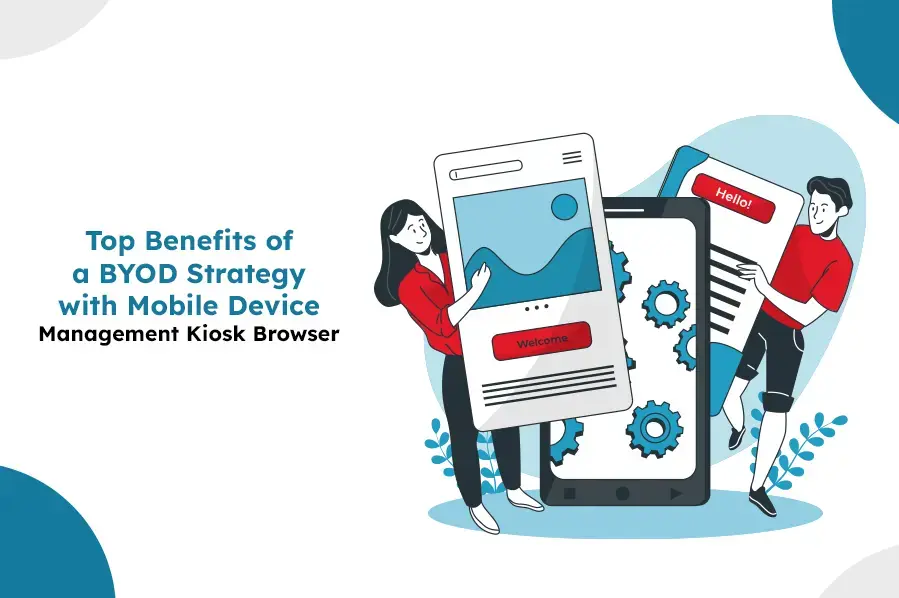
BYOD on its own mostly saves on hardware. Add mobile device management and a kiosk browser, and the strategy gains the security, focus, and compliance layer that makes those savings sustainable rather than a liability waiting to surface. Here are the seven concrete benefits of running BYOD with both in place.
The 7 Benefits
1. Higher productivity
Employees work faster on devices they already know, while a kiosk browser keeps work sessions focused on approved sites and apps.
2. Real cost savings
Lower hardware spend from not provisioning every employee a device, without giving up the security controls that protect that saving.
3. Stronger security
Policy enforcement, approved-app/site restrictions, and remote wipe close the biggest BYOD risk — an unmanaged device with corporate access.
4. Flexibility without chaos
Employees work from anywhere; IT still has the tools to manage and support those devices remotely.
5. Higher employee satisfaction
Personal device choice and customization stay intact — restrictions apply to the work session, not the whole device.
6. Lighter IT workload
One console for policy, app deployment, and monitoring across every enrolled device, instead of ad hoc, device-by-device support.
7. Easier compliance
Enforced policy and a kiosk browser's site restrictions produce the audit trail regulated industries need.
Why the Kiosk Browser Specifically Matters for BYOD
MDM alone secures the device and its apps. A kiosk browser adds a lighter, more targeted control: restricting the browsing that happens during a work session to an approved list of sites, without touching anything else on the device. That's a meaningfully different (and less invasive) control than full app whitelisting, which is why it pairs especially well with BYOD — it protects exactly the surface most relevant to a web-based workflow, and nothing more. See what is a kiosk browser for how the whitelist mechanism itself works.
Getting the Balance Right
The benefit only holds if restrictions are scoped correctly: to the work container or work session, not the entire personal device. See best practices for implementing a BYOD policy for the specific practices that keep that boundary clean, and how BYOD and MDM work together for the containerization mechanics that make it possible.
LimaxLock for BYOD
LimaxLock combines work-profile containerization with a kiosk browser, so a BYOD device gets policy enforcement, app control, and website whitelisting scoped to the work container — leaving the rest of the employee's personal device completely untouched.
Frequently Asked Questions
A kiosk browser restricts a BYOD device's work session to approved sites, cutting distraction and data-leak risk during work hours — it's a lighter-weight control than full app whitelisting, useful when the main work tool is web-based rather than a native app.