
Topic hub
Kiosk Management guides
Lock devices to a single app or an approved set of apps.
9 guides 6 min read · Kiosk LockdownWhat Is Kiosk Lockdown? Kiosk Mode ExplainedKiosk lockdown (kiosk mode) restricts an Android device to one app or an approved set of apps, hiding everything else. Here's how it works, single- vs. multi-app mode, and where it's used.Read guide
 7 min read · Kiosk LockdownHow to Put an Android Tablet in Kiosk ModePutting an Android tablet in kiosk mode takes five steps: enroll it, pick single-app, multi-app, or browser mode, configure restrictions, and deploy. Here's the full walkthrough, including what to check before you start.Read guide
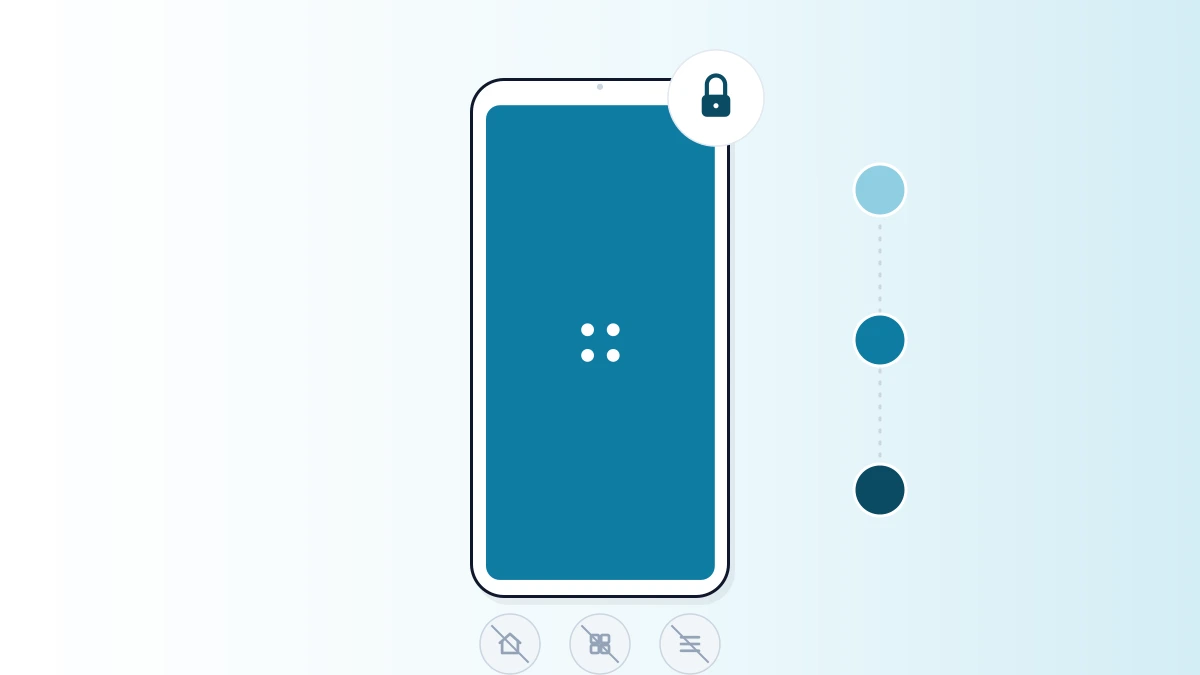 6 min read · Kiosk LockdownSingle-App Kiosk Mode on Android: Setup GuideSingle-app kiosk mode locks an Android device to exactly one application — disabling home, recents, notifications, and settings at the OS level. Here's what it disables, what you need before you start, and the full setup steps.Read guide
 7 min read · Kiosk LockdownHow to Block Websites on Android [2026]: Step-by-Step GuideBlocking websites on your phone isn't just about limiting access — it's about taking control of your digital experience. Here's every method that actually works, from built-in tools to whitelist-based MDM, plus a step-by-step setup.Read guide
 4 min read · Mobile Device Management (MDM)How to Secure Public-Facing Devices With a Kiosk BrowserInformation kiosks, self-service stations, and check-in screens are used by strangers all day. Here's the step-by-step setup for locking them down with a kiosk browser.Read guide
 5 min read · Kiosk Lockdown13 Features to Look for in a Kiosk BrowserNot every kiosk browser on the market is built the same. Here are the 13 features — from security and compliance to offline mode — that separate a genuinely reliable one from a basic whitelist tool.Read guide
 3 min read · Kiosk LockdownAndroid Kiosk Browser: Lock Devices to Approved WebsitesA kiosk browser locks an Android device to a whitelist of approved websites, blocking everything else — settings, downloads, other apps. Here's how it works and what to look for.Read guide
 3 min read · Kiosk LockdownSecure Kiosk Browsing: Session Locking & Auto-ResetWhitelisting decides which sites a kiosk browser can reach. Session security decides what happens between one user walking away and the next one sitting down. Here's the session-level layer most kiosk setups miss.Read guide
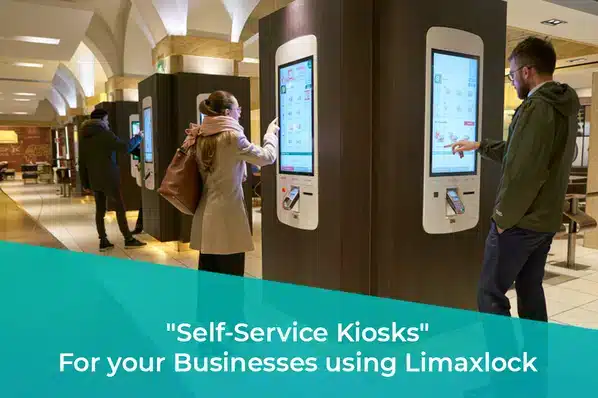 4 min read · Kiosk LockdownSelf-Service Kiosk Management: Software & Best PracticesDeploying a self-service kiosk is the easy part. Managing a fleet of them — remote monitoring, uptime, session resets, updates — is what determines whether they stay reliable. Here's how it's done.Read guide
LimaxLock product
Kiosk Lockdown Software
Lock Android devices to a single app or an approved set.
Want more like this?
Get our newsletter — Android MDM guides, kiosk tips and enterprise mobility breakdowns from the team. One email, no filler.