Secure Kiosk Browsing: Session Locking & Auto-Reset
Whitelisting decides which sites a kiosk browser can reach. Session security decides what happens between one user walking away and the next one sitting down. Here's the session-level layer most kiosk setups miss.
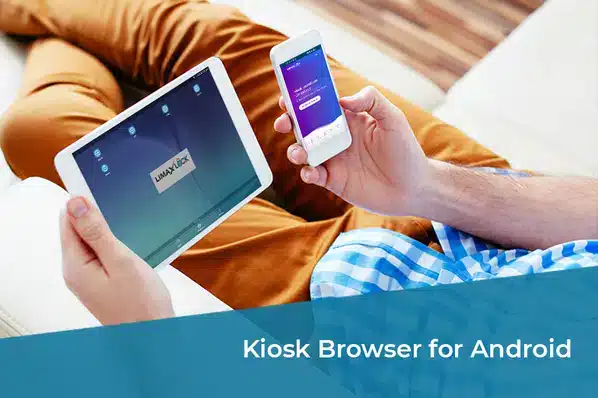
Whitelisting decides which websites a kiosk browser can reach. That's necessary, but it's only half the security picture on a device multiple strangers or staff share throughout the day — the other half is what happens to the session itself between one person walking away and the next one sitting down.
Why Session Security Is a Separate Problem From Whitelisting
A whitelist stops a user from reaching an unapproved site. It does nothing about what happens within an approved session: a previous user's login staying cached, a form partially filled with someone else's information, or browsing history sitting there for the next person to see. On a single-user work device, this rarely matters. On a shared kiosk, self-checkout, or public terminal, it's a real, repeated exposure — every handoff between users is a fresh opportunity for leftover data to surface.
What Secure Session Controls Actually Do
Automatic session reset
History, cookies, cache, and form data clear automatically after each session or a short inactivity timeout.
Browser-level password protection
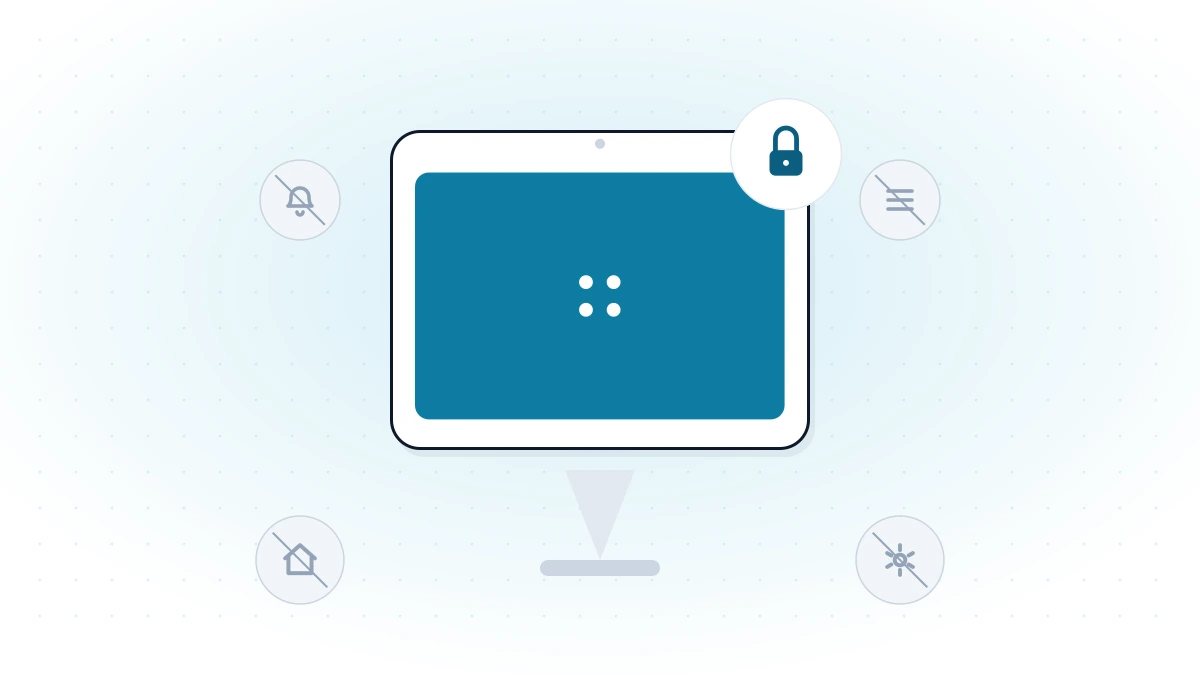
A separate password guards the browser's own settings and exit paths, independent of device-level lockdown.
Notification suppression
Web notifications are disabled so nothing interrupts — or leaks information during — a session.
Session auditing
Usage reports show which whitelisted sites were accessed, when, and for how long, across every device.
Multi-user isolation
Each session starts from an identical, clean state, regardless of who used the device immediately before.
Remote policy updates
Whitelist and session-reset settings update remotely, without physically touching each device.
Where This Matters Most
- Public information kiosks and self-service check-in — used by strangers all day, with zero accountability per session.
- Shared retail or hospitality devices — multiple staff on rotating shifts using the same hardware.
- Any kiosk handling even lightweight personal input — a name, an order, a form field — that shouldn't persist for the next user.
- Devices audited for compliance, where a session log of what was accessed is part of the evidence trail.
For the whitelisting mechanism itself — how a kiosk browser decides what's reachable in the first place — see what is a kiosk browser. For the device-level lockdown this sits on top of, see how to secure public-facing devices with a kiosk browser. For running a whole fleet of these devices, see self-service kiosk management.
LimaxLock Secure Browsing Sessions
LimaxLock's kiosk browser pairs whitelisting with session-level controls: automatic history/cache/cookie clearing between sessions, a separate password for browser settings, notification suppression, and per-device usage reports — so the security model covers both "what can this session reach" and "what does this session leave behind."
Frequently Asked Questions
History, cookies, cached login sessions, autofill data, and anything typed into a form — all potentially visible or usable by the next person on the device. On a shared kiosk, that's not a hypothetical risk; it happens every single handoff between users if session reset isn't configured.