What Is Mobile Content Management (MCM)?
Mobile content management (MCM) secures and controls how documents and files are distributed to mobile devices — separate from managing the device or its apps. Here's how it works and when you need it.
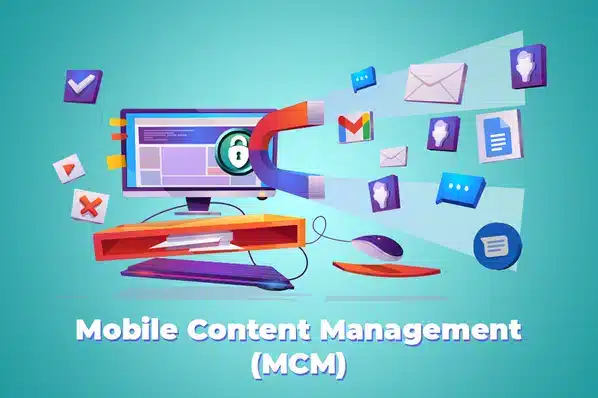
Mobile content management (MCM) secures and controls how documents, images, and other files are distributed to and accessed on mobile devices — distinct from managing the device itself (MDM) or the apps on it (MAM). Where those two ask "is this device compliant" and "are these apps approved," MCM asks "who's allowed to see this file, and is it protected in transit and at rest."
Core Features of MCM
Central content repository
Documents live in one secure, cloud-based location rather than scattered across individual device storage.
Permission-based distribution
Content is pushed to devices or users based on role and access level — not every employee sees every file.
Location-based delivery
Geofencing can deliver or withdraw content automatically as a device enters or leaves a defined area.
Work container isolation
Corporate documents stay separated from personal content on the same device, protecting both privacy and security.
Collaborative editing
Files stored centrally can be edited collaboratively by authorized users, regardless of location.
Remote encryption
Content can be encrypted across every enrolled device from one console, rather than device by device.
Why MCM Matters
- Reduces data-breach risk from unmanaged personal devices handling corporate documents.
- Cuts time employees spend searching for the right file — a centralized, permissioned repository beats scattered local copies.
- Supports BYOD safely by isolating corporate content in a work container, separate from personal data.
- Enables real collaboration across distributed or remote teams, since content lives in one accessible place.
- Gives IT one console to manage encryption and access, instead of securing devices individually.
MCM is most valuable paired with app-level control — see what is mobile application management for the app side of this, and must-have MAM features for how the two typically combine in a single platform. For the device-level foundation underneath both, see what is mobile device management.
LimaxLock and Content Management
LimaxLock secures corporate content through the same work-container model it uses for apps — documents and files distributed to a device stay isolated from personal data, with permission-based access and remote encryption managed from one console.
Frequently Asked Questions
MAM (mobile application management) controls apps — deploying, updating, and restricting them. MCM controls content — the documents, files, and media distributed to and stored on those devices. They're frequently bundled together, but they manage different things: one is about software, the other about data.