7 Must-Have Mobile Application Management (MAM) Features
Not every "MAM" platform actually manages at the app level. Here are the 7 features that separate real mobile application management from device management wearing a MAM label.
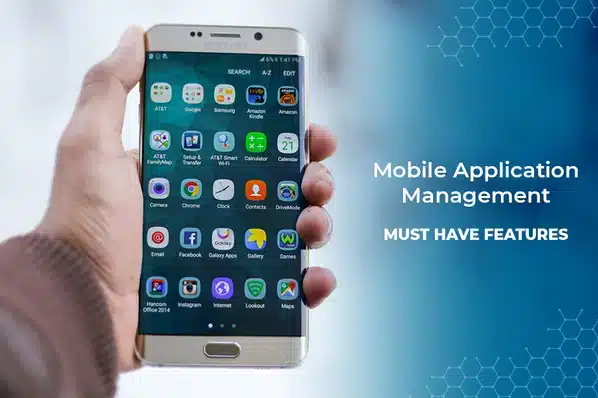
Plenty of platforms market themselves as "MAM" while really just being MDM with an app inventory screen. The features below are what actually distinguishes app-level management — control that works independent of who owns the device — from device-level management with an app list bolted on.
The 7 Features to Check For
1. Selective (app-level) wipe
Remove a managed app and its data alone — leaving the rest of a personal device, including BYOD content, completely untouched.
2. App wrapping or SDK integration
A way to add management policy to an app without an MDM agent — wrapping for third-party/legacy apps, an SDK for in-house builds.
3. Per-app VPN
Routes only a specific managed app's traffic through a secure tunnel, instead of forcing the entire device onto the corporate network.
4. Containerization
Isolates managed apps and their data in an encrypted space that can't share data with unmanaged apps on the same device.
5. Managed open-in & clipboard control
Blocks copying data out of a managed app into an unmanaged one — the actual mechanism that prevents BYOD data leakage.
6. Silent app deployment
Install, update, or remove approved apps through an enterprise app store with zero action required from the end user.
7. Per-app usage reporting
Install status and activity visible per app and per user — the audit trail a compliance review will actually ask for.
MAM-Only vs. MDM-Bundled: Which Do You Need?
| Standalone MAM (MAM-only) | MAM bundled with MDM | |
|---|---|---|
| Requires full device enrollment | – | |
| Works on unmanaged BYOD devices | – | |
| Can lock the device itself (kiosk mode) | – | |
| Best fit | Contractors, personal devices, single sensitive app | Corporate-owned fleets, shared/kiosk hardware |
Choosing between these isn't about which is "better" — it's about whether you have the right to manage the whole device. For the full explanation of that boundary, see what is mobile application management, and for how MAM compares to content-level control specifically, see mobile content management.
Evaluation Checklist
- Selective wipe that removes only managed app data, not the whole device.
- Containerization that genuinely blocks data flow between managed and personal apps — ask for a demo of this specifically.
- Silent deployment through a private enterprise app store, not manual per-device installs.
- Per-app policy controls (VPN, clipboard, open-in) configurable without touching device-level settings.
- Reporting granular enough to show install status and usage by app and by user.
For the broader evaluation criteria that apply to a full MDM+MAM platform, see the best MDM software for securing and managing mobile devices.
Frequently Asked Questions
Selective (app-level) wipe. If a platform can only factory-reset or fully wipe a device, it's a device management tool. True MAM can remove just the managed app and its data, leaving the rest of the device — including a BYOD user's personal content — untouched.