How MDM Increases Productivity and Lowers IT Costs
Manual, device-by-device IT support doesn't scale. Here's exactly where MDM removes the time and cost — onboarding, troubleshooting, maintenance, and unattended device management.
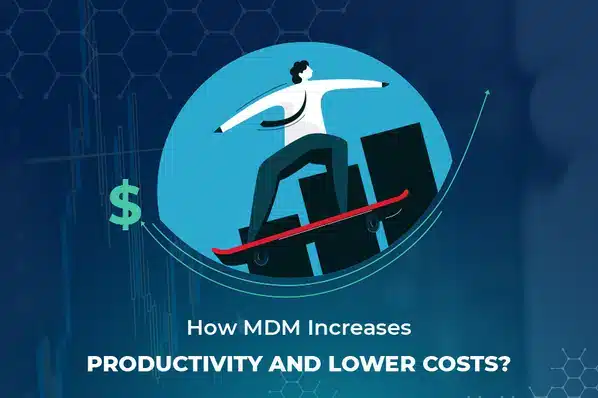
Every hour an IT team spends walking to a desk to fix one device, or talking someone through a setup step by step, is an hour that doesn't scale as the fleet grows. Mobile device management removes exactly that category of cost — not by eliminating IT work, but by making most of it remote, centralized, and largely automatic.
Where MDM Actually Saves Time and Money
Automated onboarding
Devices arrive pre-configured and policy-compliant, with no IT setup time required per device.
Remote troubleshooting
View a device's state and walk a user through a fix (or fix it directly) without them needing to physically visit IT.
Centralized updates
Push OS and app updates to one device, a group, or the entire fleet from a single console instead of one at a time.
Unattended device management
Monitor and maintain kiosks and shared devices remotely, avoiding site visits for routine issues.
Data usage control
App and website restrictions prevent data charges from unrelated use on company-paid plans.
BYOD support without extra headcount
A work-profile approach lets IT secure personal devices without managing them individually by hand.
The Manual Alternative, and What It Costs
Without centralized management, an IT team supporting a mobile fleet ends up doing the same tasks device-by-device: configuring each phone individually, troubleshooting over the phone with no visibility into the actual screen, traveling on-site to push updates or fix hardware paired with unmanaged software, and fielding repeat questions that a pre-configured device would have prevented in the first place. None of that scales — the more devices in the fleet, the more this manual overhead compounds.
Unattended and Kiosk Devices: The Biggest Manual-Cost Sink
Kiosks and other unattended devices are usually the most expensive to maintain by hand, since any fix requires dispatching someone on-site. With MDM, updates roll out remotely, device status is visible from the console, and — depending on the platform — administrators can even pull a live camera feed or location if a device goes missing or starts behaving unexpectedly. See what is kiosk lockdown for how these devices are typically configured in the first place.
Where to Go From Here
- Audit how much time your team currently spends on manual device setup and on-site troubleshooting.
- Prioritize zero-touch or profile-based enrollment for any new device purchases.
- Move unattended/kiosk devices to remote monitoring first — that's usually where manual cost is highest.
- Review your current mobile strategy against what's changed — see our guide to updating a mobile management strategy.
For the cost model specifically around infrastructure (cloud vs. on-premise), see the benefits of cloud-based MDM. For the mechanics behind all of this, start with what is mobile device management.
LimaxLock for IT Efficiency
LimaxLock centralizes onboarding, updates, and troubleshooting into one console, with zero-touch enrollment for new devices and remote monitoring — including live camera and location access — for unattended and kiosk hardware, so routine maintenance stops requiring a site visit.
Frequently Asked Questions
It reduces the time each device-related task takes, which usually means the same IT team can support a larger fleet rather than needing to grow headcount in proportion to device count — automated onboarding and remote troubleshooting cut the most repetitive, time-consuming tasks specifically.